Never open a link in the wrong profile again
Blinxter routes every link to the right browser profile, automatically.
Free during beta · macOS 14+ · 100% on-device
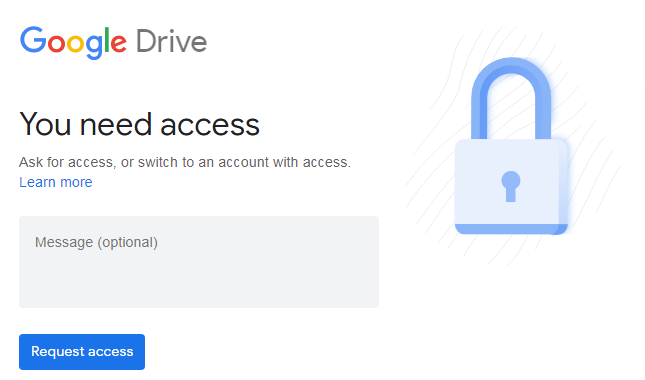
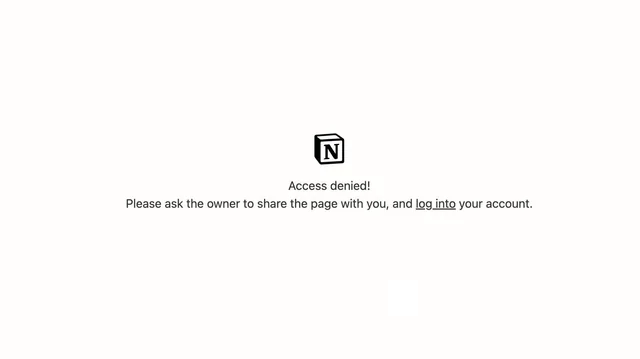
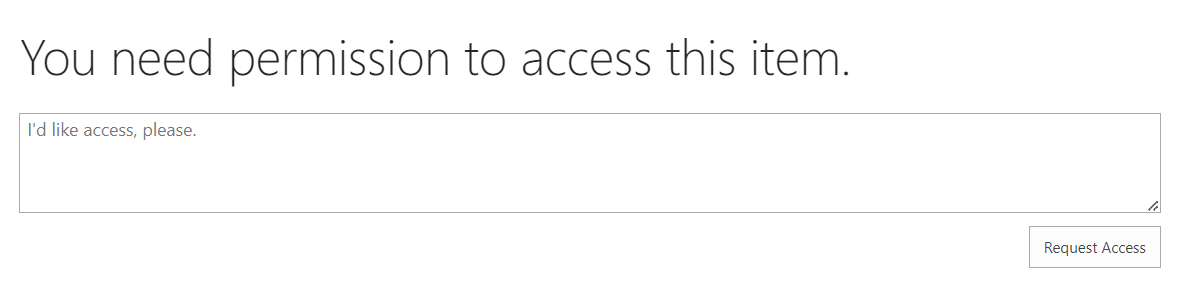
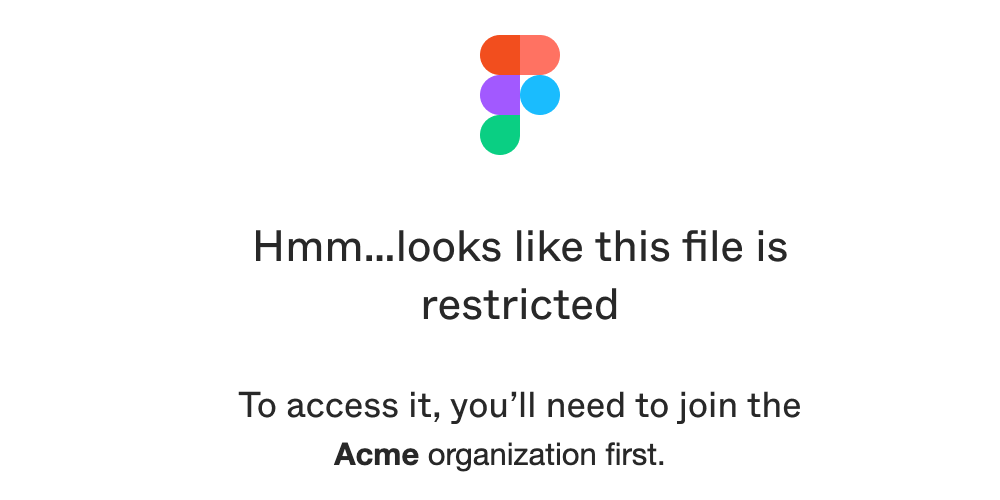
“This file is not shared with you.”
A teammate sends you a doc. It opens in your personal profile. Access denied. So you copy the link, switch profiles, paste it, and find the tab you already had open. Twenty times a day, every wrong-profile tab steals half a minute and all of your focus.
 Slack: client doc from your PMACCESS DENIED
Twenty times a day. ~2 hours a week of copy-switch-paste, plus the focus you never get back.
Same doc, one clickWORK ✓ blinxter, silently, from your menu bar
Zero denied screens. Zero switching. Every link, right the first time.
From click to the right profile
Three steps. You only do the first one.
Click a link
Anywhere: Slack, Mail, Notion. Blinxter catches it from your menu bar before your browser does. Nothing to open, nothing to pick.
Blinxter decides, invisibly
It already knows which account each profile is signed into. The match happens in the background: no window, no prompt, no rules to write. If it genuinely can't tell, it asks once.
It just works
In the profile it belongs to. Signed in as the right you. Nothing to choose. Nothing to notice. That is the whole point.
Your clicks are nobody’s business.
Blinxter routes your links, and it does it right on your Mac. Most apps would take your data by default; we don’t. Nothing is shared unless you opt in to help train the product, and that’s always your call.
Want to help Blinxter get smarter? You can opt in to share anonymized routing decisions for training. It’s off by default, stays off until you turn it on, and you can turn it back off anytime.
Works how you like to work.
Blinxter sits quietly in your menu bar. When you click a link, it picks the right profile and hands it straight to your existing browser. Your browser opens the page just like always.


Questions, answered
No. Blinxter sits quietly in your menu bar. When you click a link, it picks the right profile and hands the page straight to the browser you already use. Nothing about how you browse changes.
Chrome, Edge, Brave, Vivaldi, Opera, and Firefox, including routing between profiles across different browsers.
No. Blinxter reads which account each of your profiles is signed into and routes links from day one. When it's genuinely unsure, it asks once, remembers your answer, and gets quieter over time.
Routing happens entirely on your Mac and nothing is shared by default. If you want to help train the product, you can opt in to share anonymized routing decisions, and turn it back off anytime.
Blinxter is free during the beta. Pricing for the full release will be announced before the beta ends. Early waitlist members hear first.
We're letting people in from the waitlist in rolling batches. Join below and you'll get an invite for macOS 14+ as soon as a spot opens.
Stop landing in the wrong account.
Blinxter is in private beta. Join the waitlist and we’ll let you in soon.
Free during beta · macOS 14+ · 100% on-device